Profile Update
The Profile Settings page allows you to update your profile name, change your password, and configure your time zone.
Accessing Profile Settings
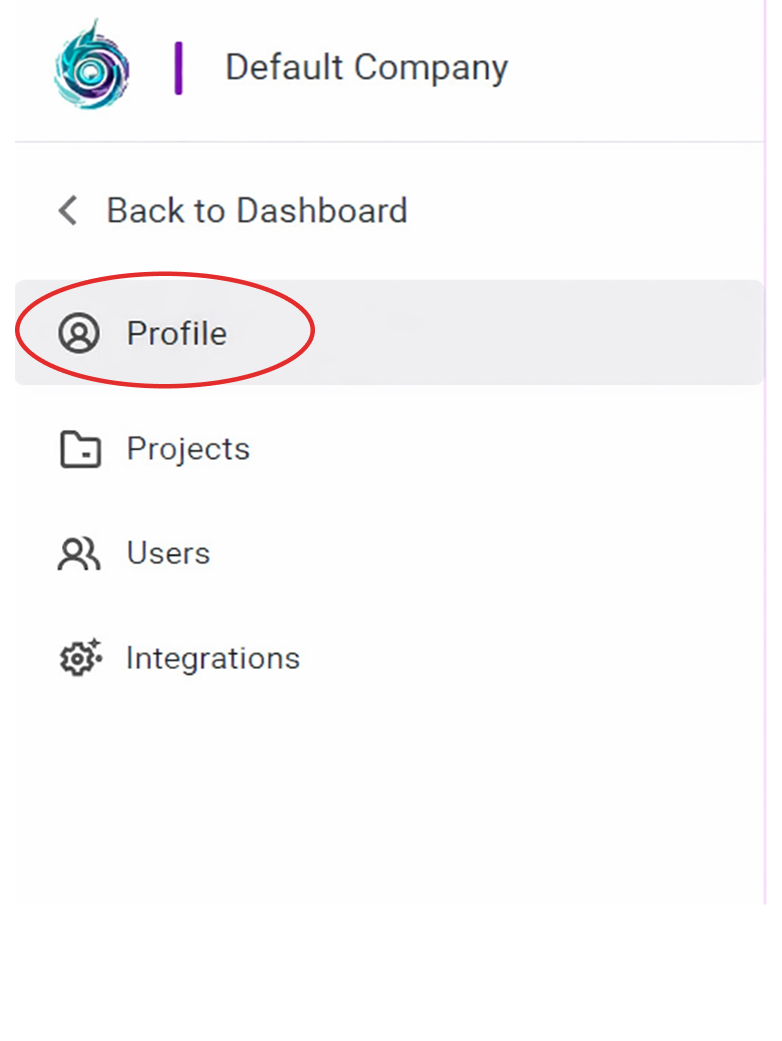
When you navigate to Settings from the Profile Avatar icon, you are directed to the Profile section by default.
If not, follow the steps below:
- From the left sidebar, click Profile.
1. Update Profile Name
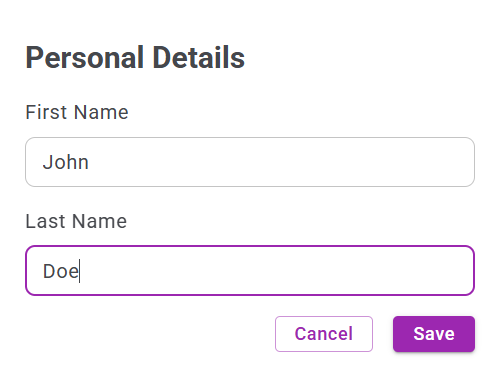
To update your profile name:
- Enter your First Name.
- Enter your Last Name.
- Click Save.
2. Change Password
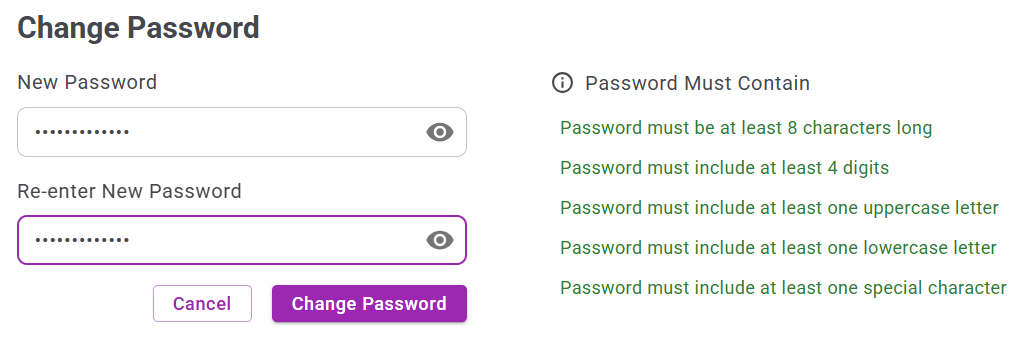
To update your password:
- Enter your New Password.
- Re-enter the New Password.
- Click Change Password.
3. Change Time Zone
To change your time zone:
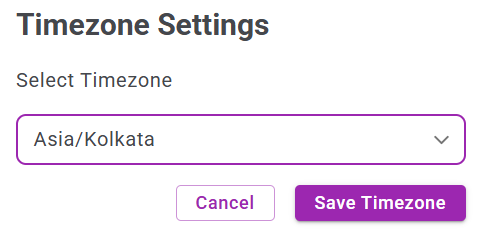
- Select your preferred Time Zone.
- Click Save Timezone.